> ## Documentation Index
> Fetch the complete documentation index at: https://knowledge.bitbybit.studio/llms.txt
> Use this file to discover all available pages before exploring further.
# How to connect Stamped loyalty account
> Connect your Stamped Loyalty account to bitbybit using your Shopify API keys and store hash to sync your loyalty program
Connecting your Stamped Loyalty account to unlock seamless synchronization between your store and your loyalty program, enhancing customer engagement and retention. Here's a step-by-step guide to ensure a smooth setup:
**Step 1: Access Your Shopify Dashboard**
* Go to Shopify admin dashboard.
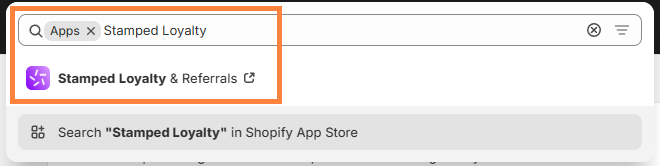
**Step 2: Navigate to Apps and Open Stamped**
* Click on "Apps" in the sidebar.
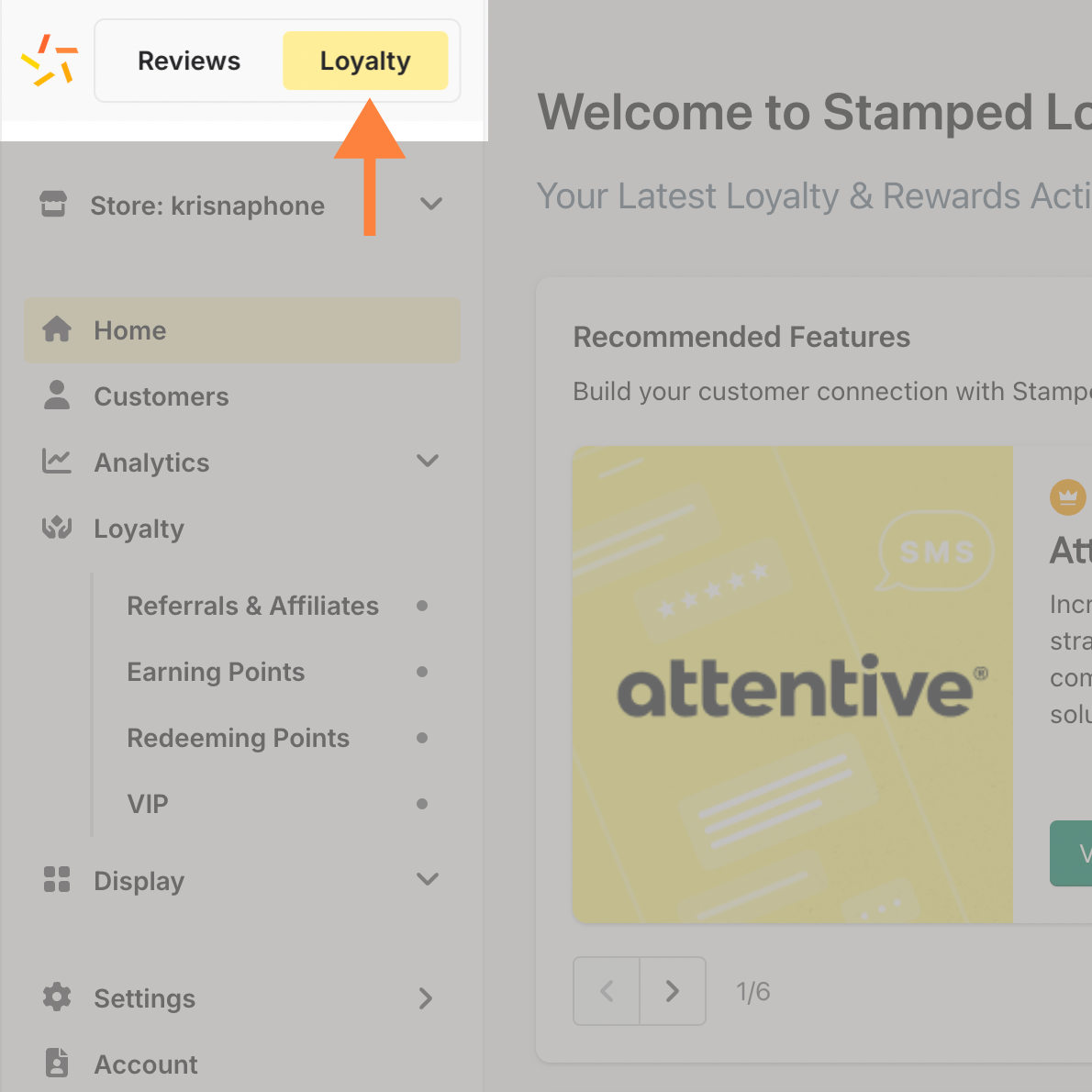
 Step 3: Switch to the Loyalty Tab
* Inside Stamped, locate and click on the "Loyalty" tab.
Step 3: Switch to the Loyalty Tab
* Inside Stamped, locate and click on the "Loyalty" tab.
 **Step 4: Open the Settings Menu**
* Navigate to the "Settings" menu, select "Loyalty Integrations" and click "API Keys".
**Step 4: Open the Settings Menu**
* Navigate to the "Settings" menu, select "Loyalty Integrations" and click "API Keys".
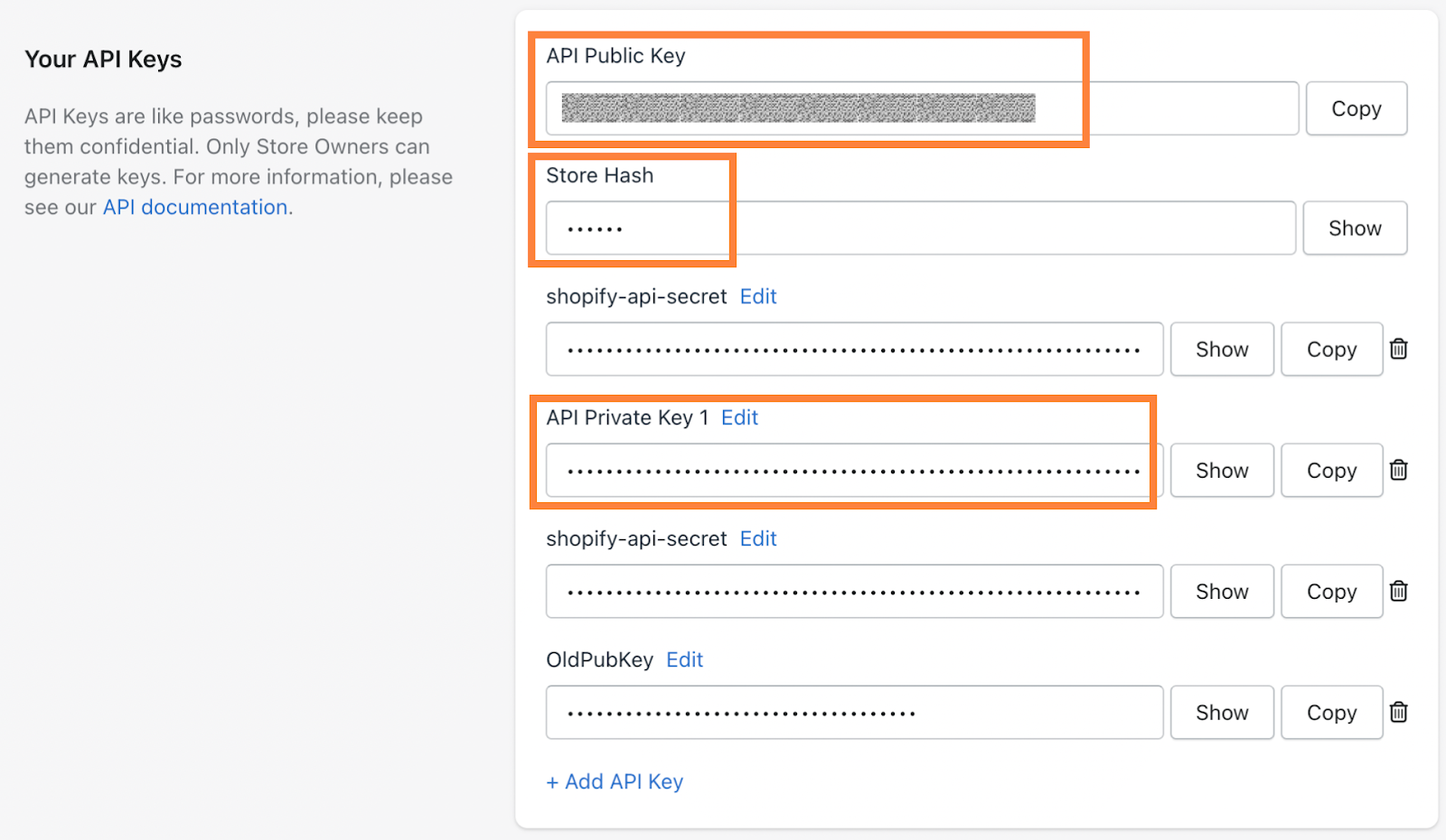
 **Step 6: Enter API Keys on the Integration Page**
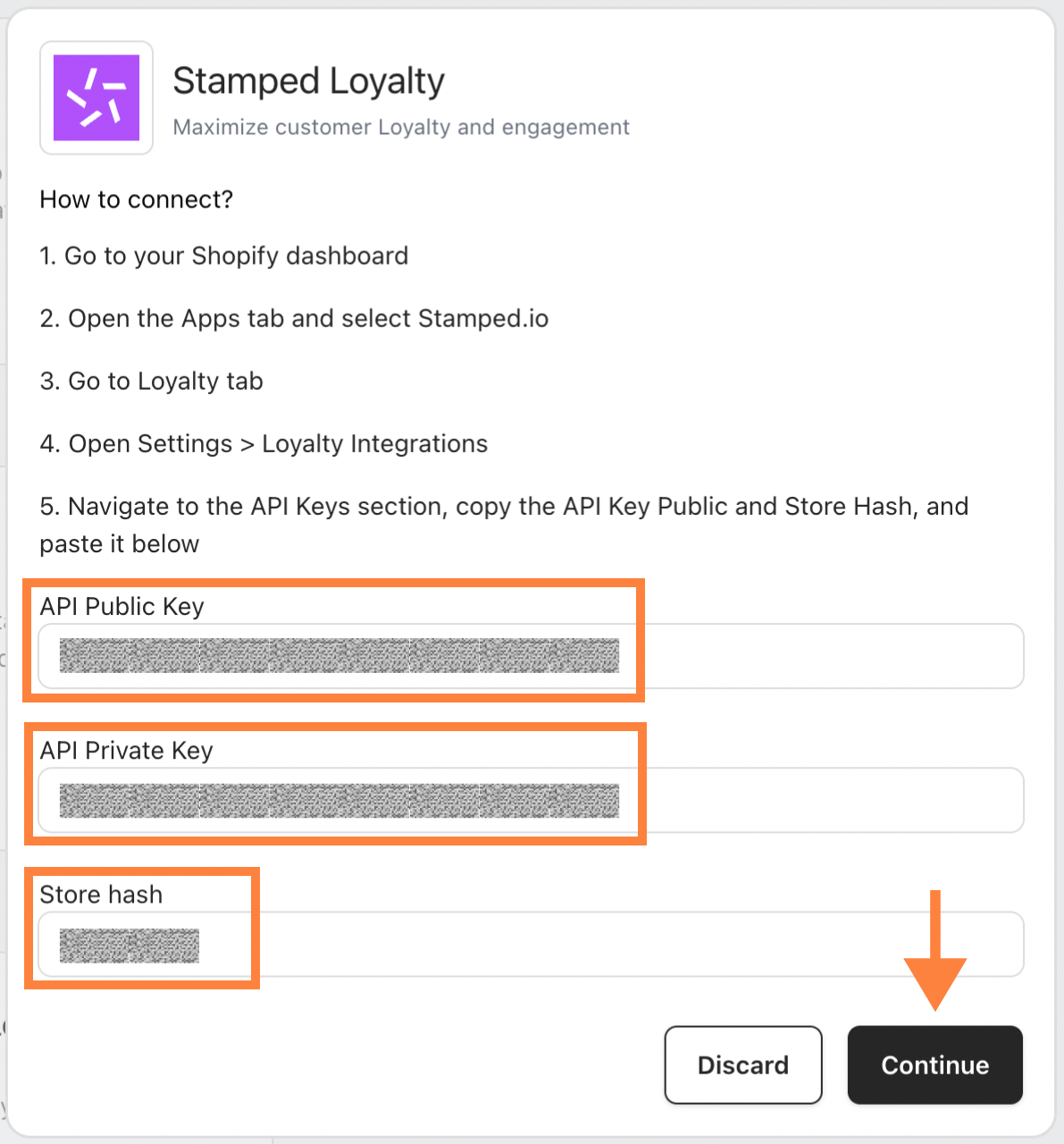
* **Copy** your API Public Key, Private Key, and Store Hash.
**Step 6: Enter API Keys on the Integration Page**
* **Copy** your API Public Key, Private Key, and Store Hash.
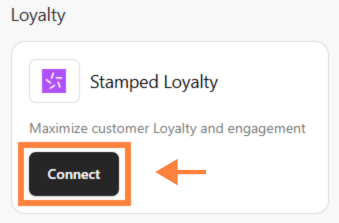
 * Go to the [Integration](https://app.bitbybit.studio/integrations) page, click “Connect” on Stamped Loyalty.
 * Paste
* the credentials into fields
* Paste
* the credentials into fields
 Congratulations! 🎉 Your Stamped Loyalty account is now successfully connected to your store.