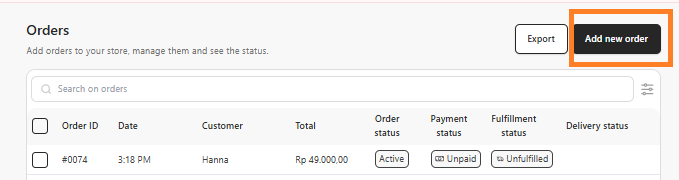
- Go to Commerce > Orders.
- Click Add New Order.
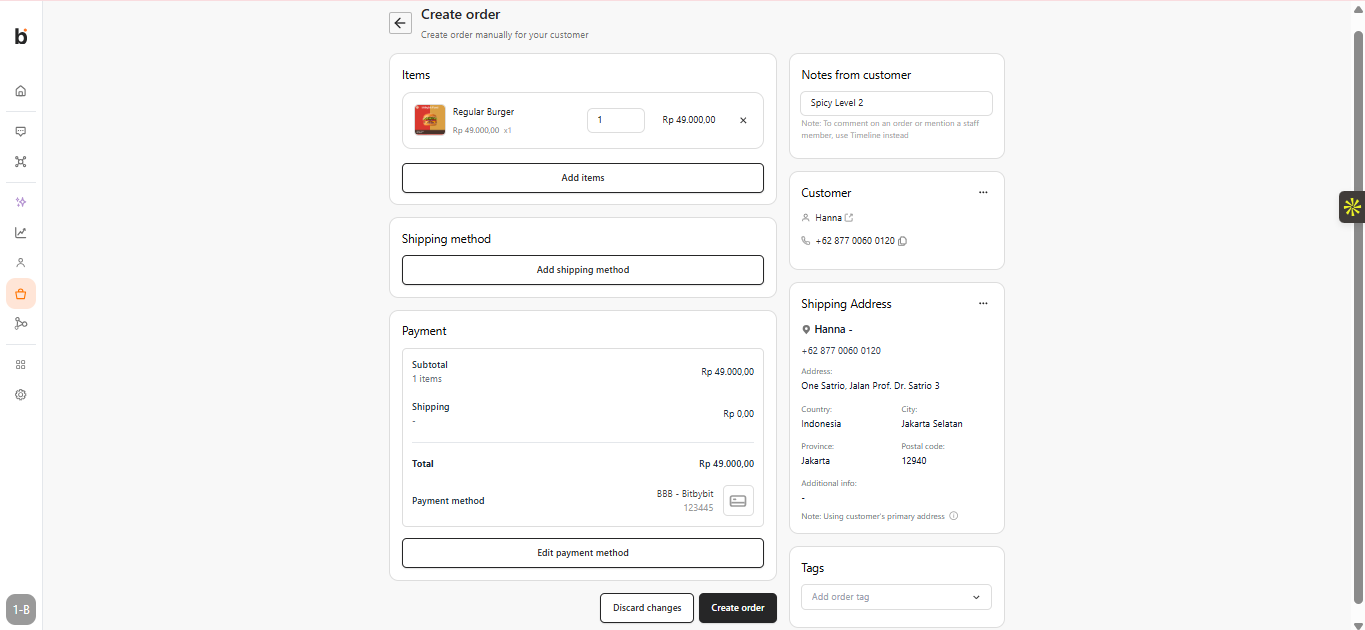
- Add Items: Click “Add Items” and choose the products and quantities for the order.
- Add Payment Method: Select the payment method.
- Choose Customer: Select an existing customer or add a new one to auto-fill the shipping details.
- Click Create Order to complete the process.