

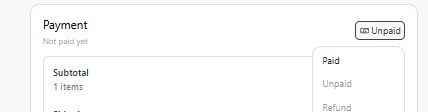
- Update Paid Orders: Once your customer has already paid, you can update the paid order status in the dashboard.
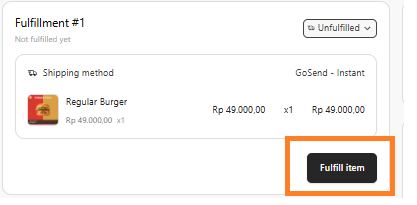
- Fulfill Item: You can update the shipment details by clicking Fulfill Item.
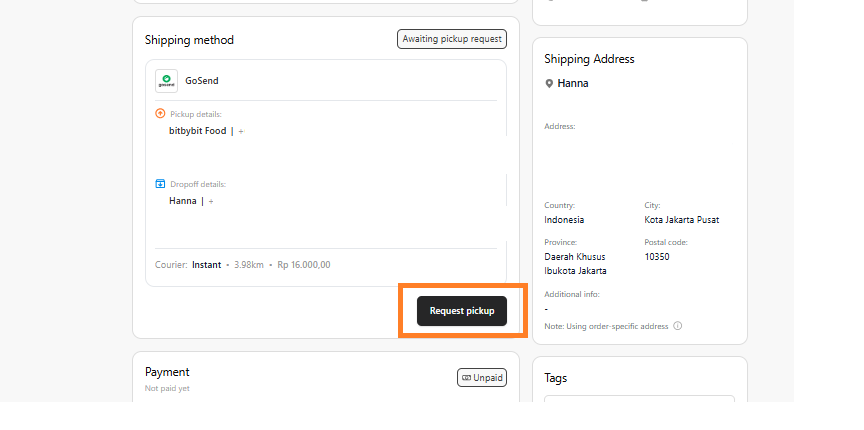
- Request Pick Up: Once the customer has already paid, you can request a pick-up; this will directly call a driver to pick up the order and deliver it to the customer.
- Print Invoice: After fulfillment, you can click Print Invoice to generate a copy for your records or the customer.
- Enable Order Notifications (Automation): You can activate bitCRM Automations to automatically notify customers about their order updates via WhatsApp. Common triggers include:
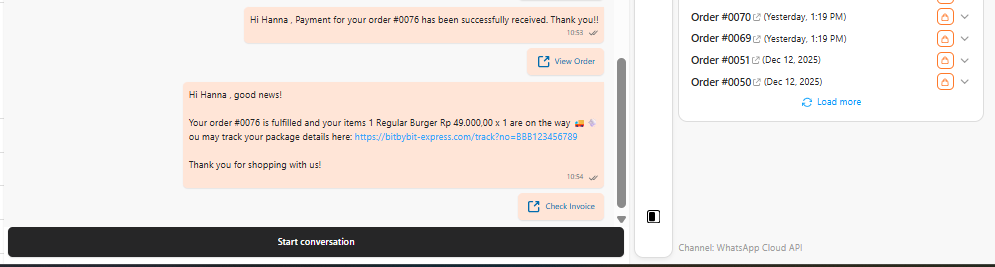
- Click here to see how to activate the automation for WhatsApp Commerce.