

Overview
Both options connect through Meta, but they do not start from the same merchant setup.Current confirmed difference
What you need before setup
WhatsApp Cloud API
- Complete the business and phone-number checks Meta requests for your account and chosen connection.
- Admin access to your Meta Business Manager
- For a new dedicated Cloud API connection, an unused phone number that can receive SMS or phone calls for verification. For an existing number, confirm the connection or migration route below.
WhatsApp Business App
- available phone number
- WhatsApp Business App installed on your device
- Facebook Business account
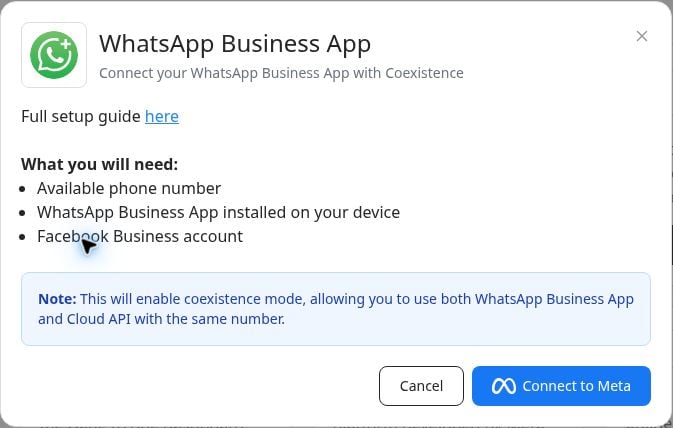
Where this matters in the product
The current product area uses these merchant-facing labels:- WhatsApp Cloud API
- WhatsApp Business App