

Step 1: Access Integrations
Navigate to the Integrations dashboard.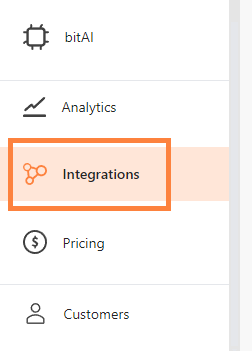
Step 2: Connect WhatsApp Sandbox
Scroll to find WhatsApp Sandbox and click “Connect”. A QR code appears on your screen.Step 3: Scan the QR code
- Open WhatsApp on your phone.
- Tap “Menu” or “Settings”, then select “Linked Devices”.
- Scan the QR code shown on your screen.
- Tap “Continue” to complete the process.
Step 4: Verify the connection
Go to LiveChat in bitChat. If your WhatsApp chats appear on the LiveChat dashboard, the connection is successful.Related
- WhatsApp Cloud API — full automation, templates, and Campaigns at scale
- WhatsApp Business App — keep using your app alongside the Cloud API