Step 1: Go to Settings
Log in to your bitbybit account. On the side panel menu, locate and click on the Settings icon.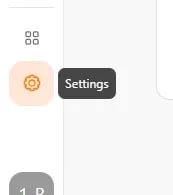
Step 2: Access Company Settings
Once you are on the Settings page, look for the General section in the menu. Click on Company to open your company profile details.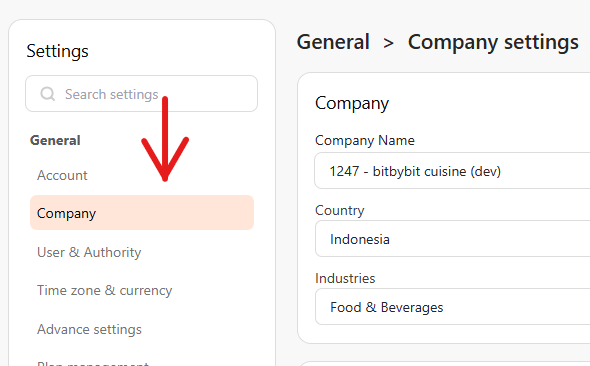
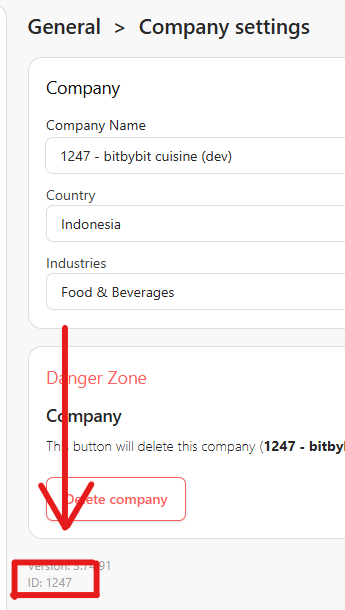
Step 3: Locate the ID
On the Company settings page, scroll down to the very bottom of the screen. You will find your specific Company ID displayed there.