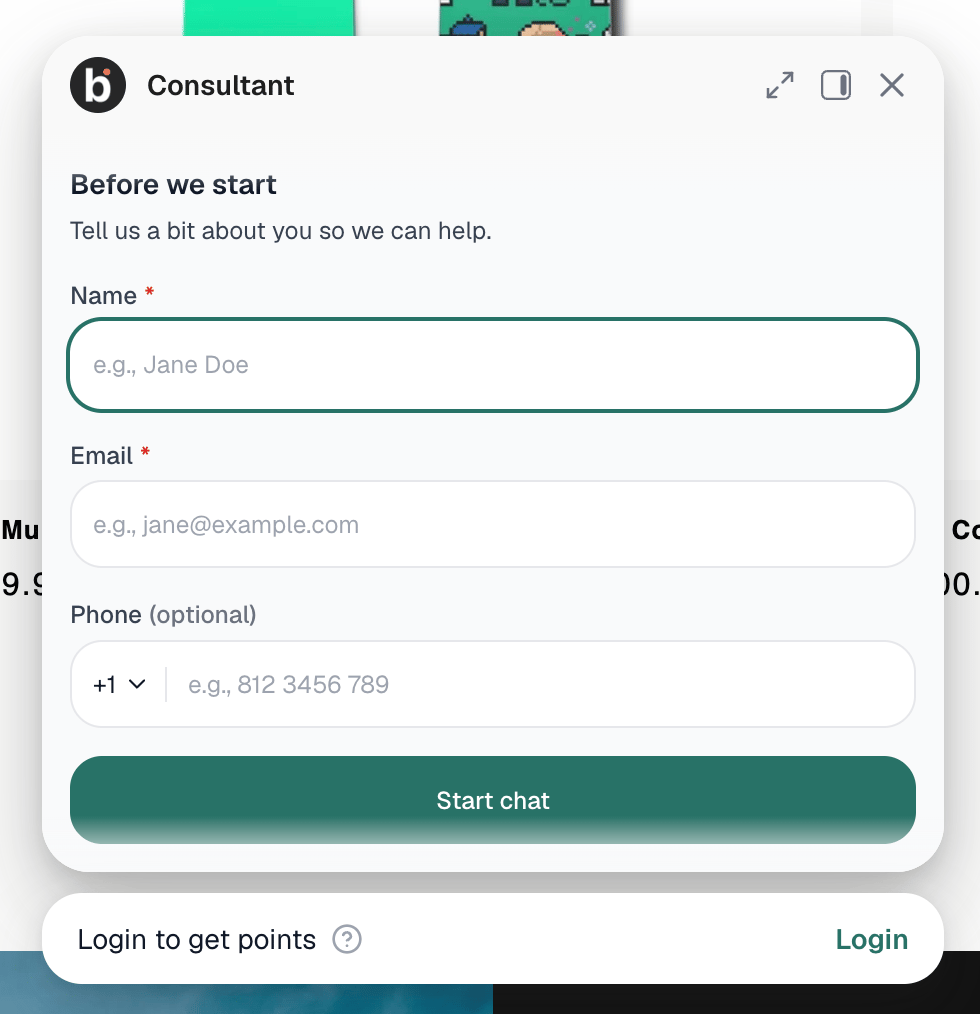
Prerequisites
- You can open bitChat > Chat Widget.
- Your widget uses an on-site chat style. The pre-chat form isn’t available for the Redirect style.
Step 1: Open Pre-chat form
- Go to bitChat > Chat Widget.
- Open Widget.
- Find Pre-chat form.
Step 2: Turn on Pre-chat form
- Turn on the Pre-chat form switch.
- The field list appears. By default, Full Name and Email Address are Required, and Phone Number is Off.
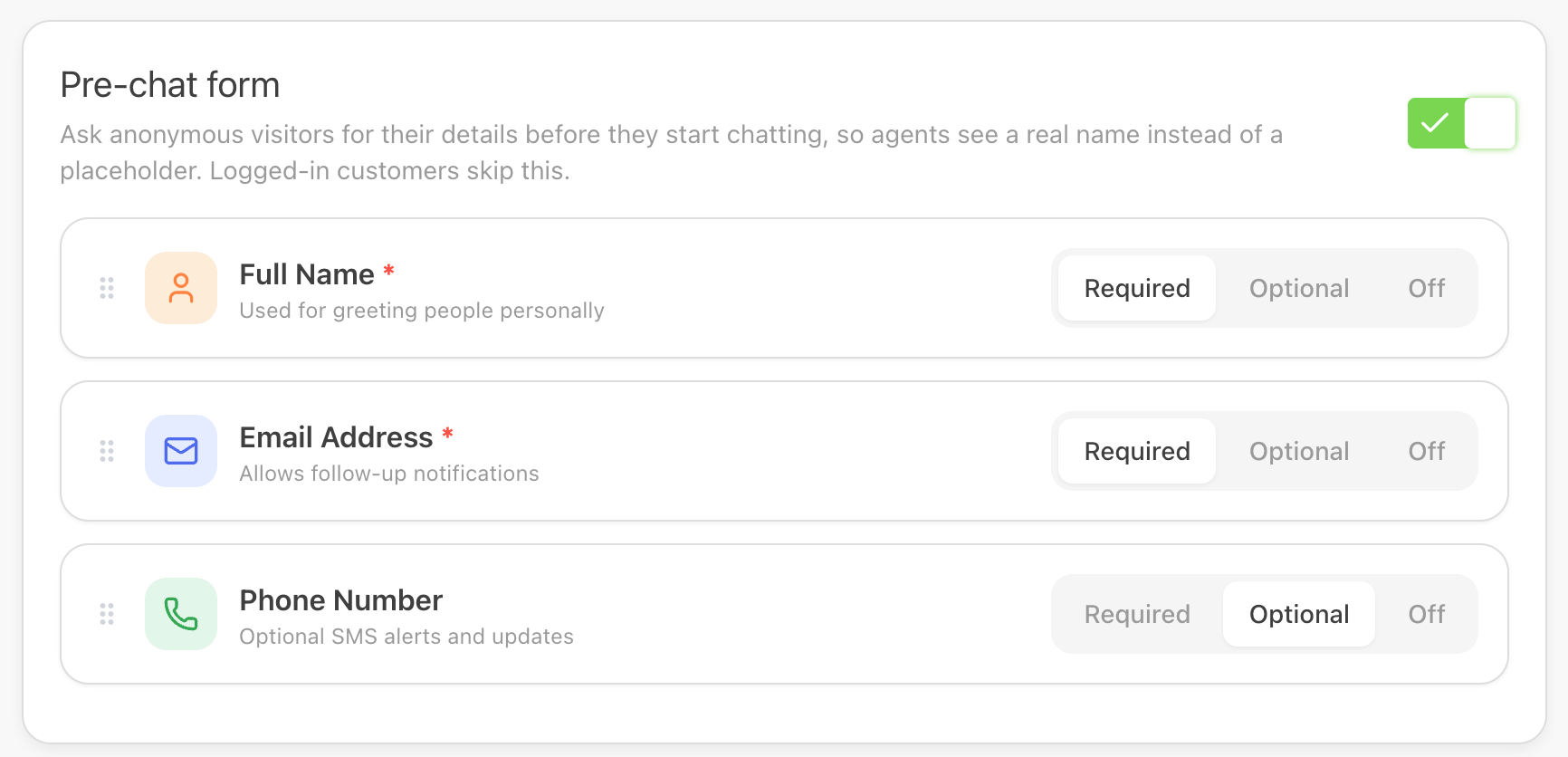
Step 3: Choose which fields to ask for
For each field, choose one option:- Required — visitors must fill it in to start chatting.
- Optional — the field shows, but visitors can leave it empty.
- Off — the field isn’t shown.
- Full Name
- Email Address
- Phone Number
Step 4: Reorder the fields (optional)
- Drag a field by its handle to change the order it appears in the form.
Step 5: Save your changes
- Check the live preview to see the form as visitors will.
- Save the widget settings.