

Overview
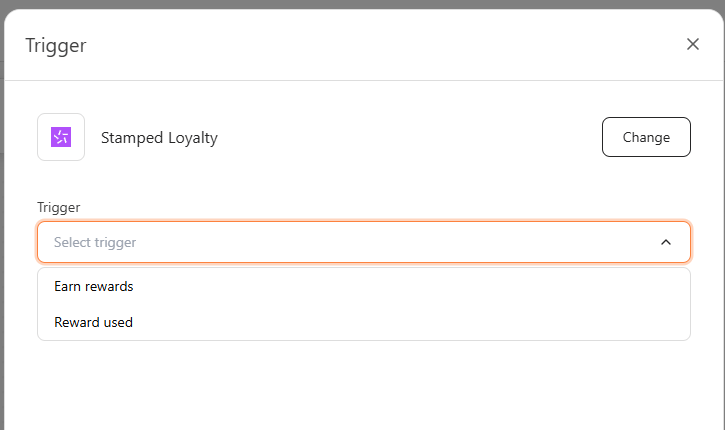
The current Stamped Loyalty trigger family includes these trigger options:- Earn rewards — fires when a customer earns a loyalty reward in Stamped.io
- Reward used — fires when a customer uses or redeems a reward in Stamped.io
Before you start
- Open Automation.
- Click Create new scenario.
- Make sure your Stamped.io account is connected. See Connect Stamped loyalty account.
Steps
1
Choose the Stamped event
- Click Trigger.
- Choose Stamped Loyalty.
- Select the trigger option that matches the event you want to react to:
- Choose Earn rewards to notify customers when they receive a reward.
- Choose Reward used to follow up after a customer redeems their reward.
2
Save and build the scenario
- Save the trigger.
- Add the next step in the scenario.
- Click Save automation.
When to use each option
- Use Earn rewards to congratulate the customer and encourage them to redeem their reward.
- Use Reward used to confirm the redemption and suggest a follow-up action, such as leaving a review or making another purchase.