

Prerequisites
- You can open bitChat live chat.
- You have a conversation open with a customer selected.
Edit a customer’s name
- In the chat header, click the customer’s name. The edit-customer modal opens.
- Update the details and save.

Update custom fields in the Additional data card
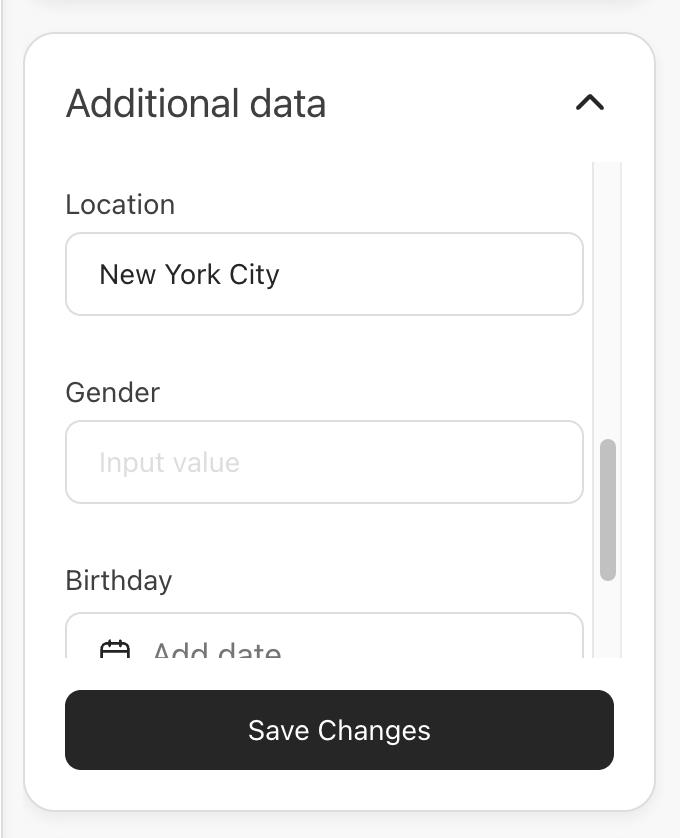
The Additional data card sits under the Tags card in the live chat info panel. It shows one inline input per custom field, so you can update a customer’s metafields without leaving the conversation.- Open the customer’s info panel and find the Additional data card.
- Edit the fields inline. Each field uses the input that matches its type — text, number, options, or date.
- Click Save Changes.
If the customer has no custom fields yet, the card shows an Add a field state. Use it to add the first field, then fill in its value.