

Step 1: Visitor Starts a Chat
-
When a visitor opens the chat widget and sends their first message, bitChat automatically creates a temporary customer profile.
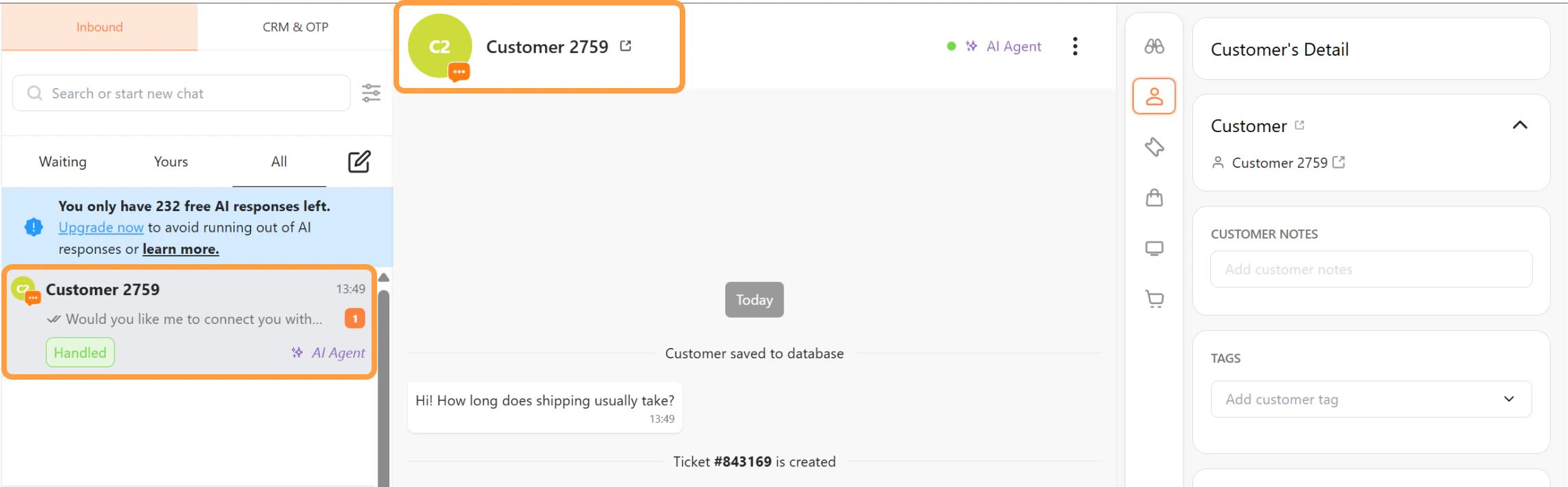
- If no information is provided, the system assigns a default name using the following format: Customer + random number
- This profile allows the conversation to be tracked in bitChat Live Chat.
Step 2: AI Collects Customer Information (Optional)
-
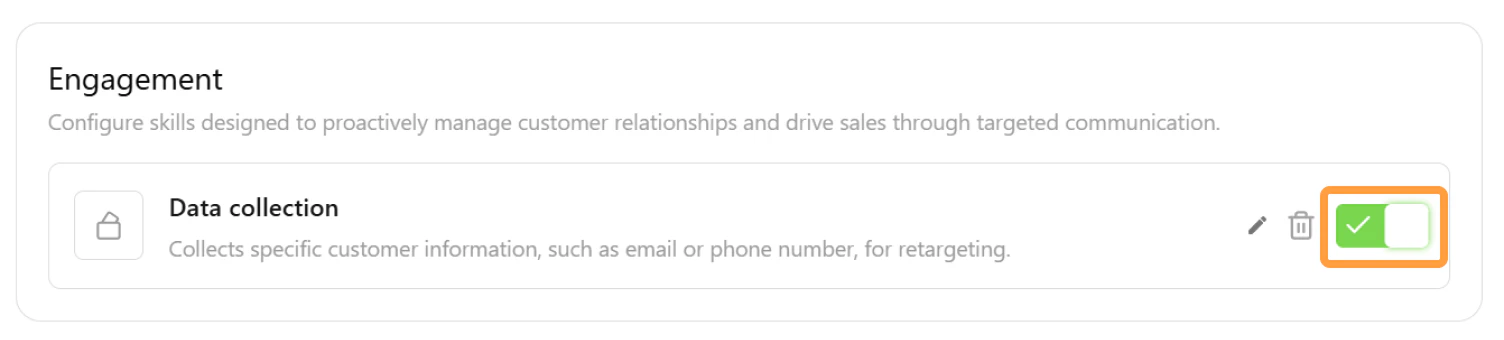
Customer information can be collected automatically by the AI agent if the Collect Data skill is enabled in AI Studio.
-
When this skill is active, the AI may ask visitors for details such as: Name, Email address, and Phone number.
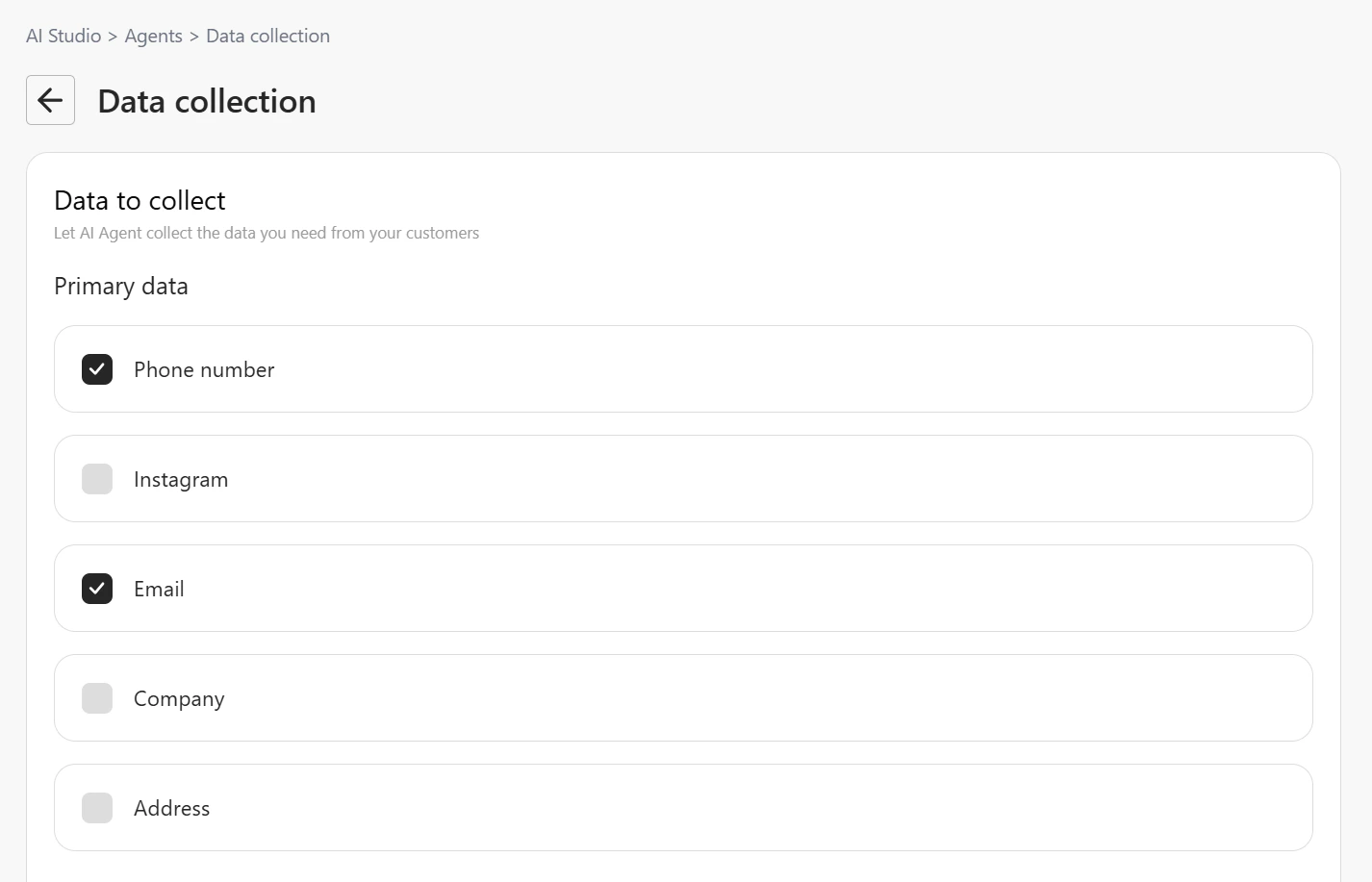
- Once the visitor provides the information, the AI Agent will update the customer profile automatically.
Step 3: Information Collection During Human Handover
-
If the visitor requests to talk to a human agent and their information has not yet been collected, the system will prompt the visitor to provide their details before the conversation is transferred.
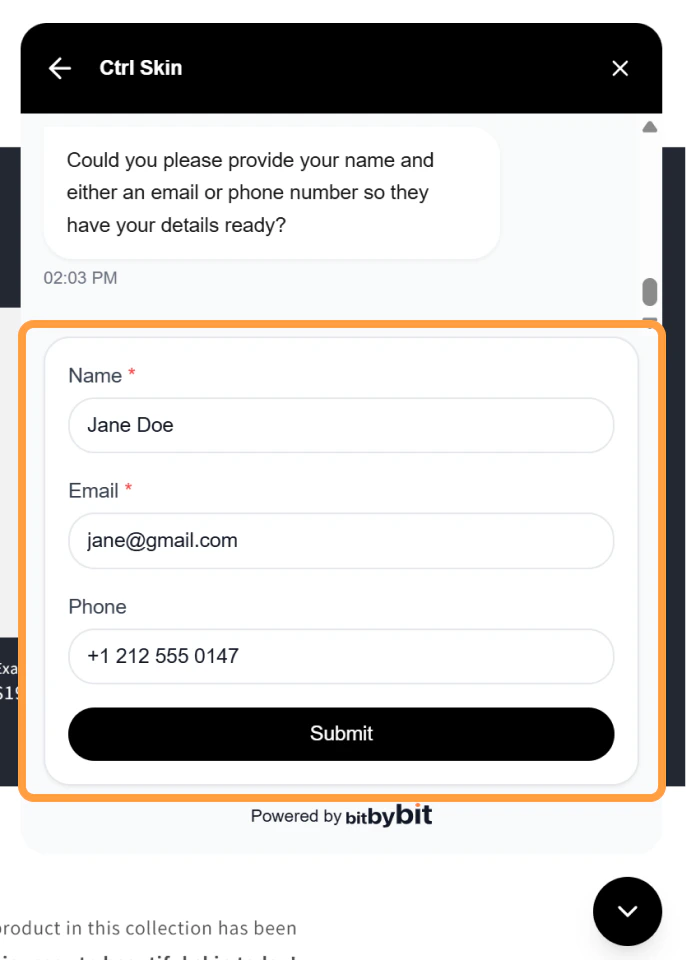
- The visitor will be asked to enter: Name, Email address, and Phone number
- After submitting the information, the conversation will be handed over to a human agent.
Step 4: Customer Profile Update
- Once the visitor provides their information, the temporary profile will be updated.
- Before information is collected: Customer 1234
- After information is collected: John Doe
- The updated customer information will be visible in bitChat Live Chat.