

 Step 2: Scroll to find WhatsApp Sandbox and click “Connect.”
Get started
How to integrate bitChat with WhatsApp sandbox
Connect a regular WhatsApp number to bitChat via WhatsApp Sandbox by scanning a QR code with Linked Devices
Connecting WhatsApp Sandbox (regular WhatsApp number) with bitbybit enables real-time messaging with your audience through bitChat, providing a seamless experience. Here’s a quick guide to setting up the integration so you can start communicating directly with your customers.
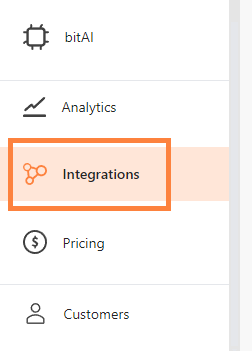
Step 1: Navigate to the “Integration” menu within bitbybit.
Step 2: Scroll to find WhatsApp Sandbox and click “Connect.”
Step 2: Scroll to find WhatsApp Sandbox and click “Connect.”